 Color By Number Pro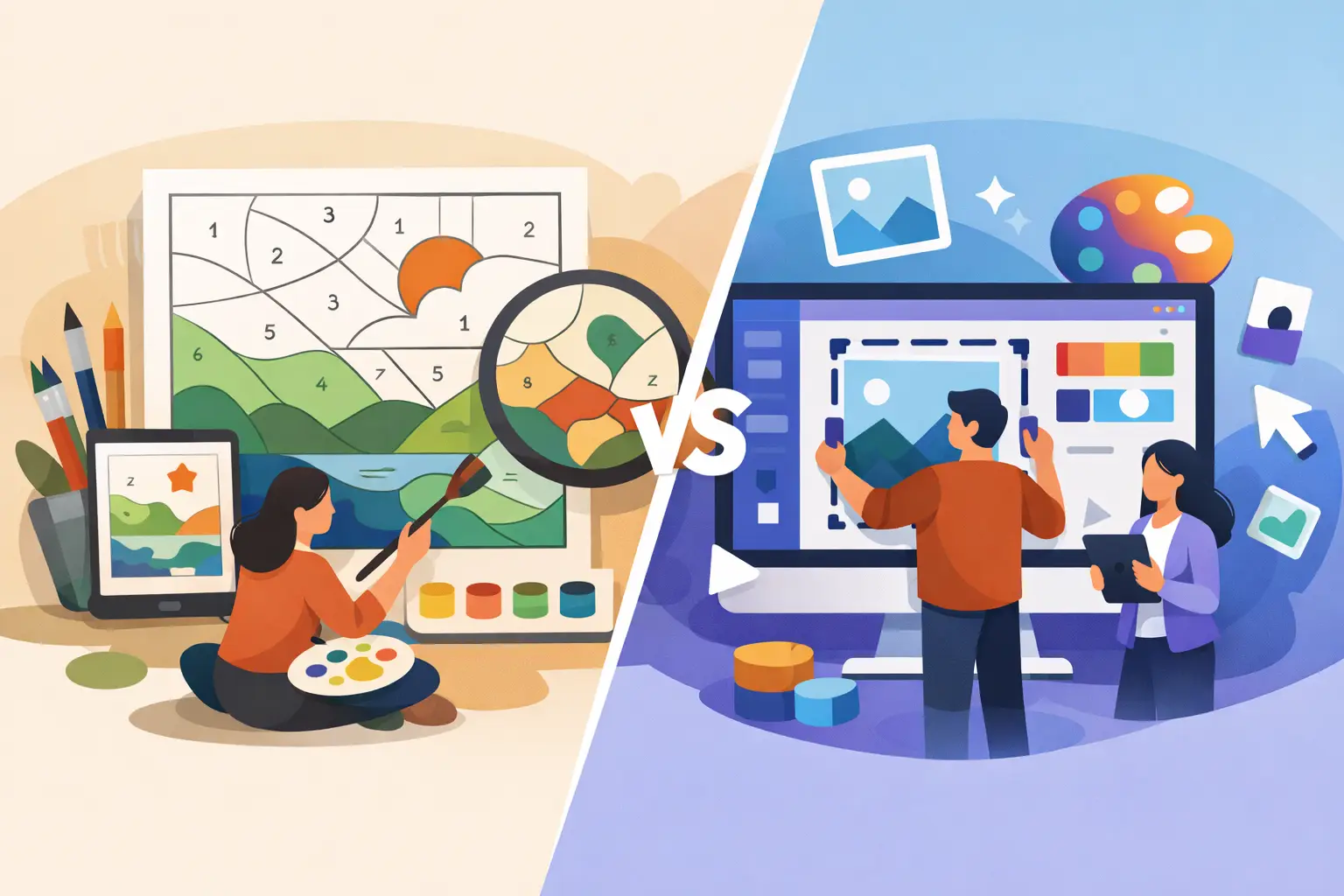
Color by Number Software vs Canva
If you've ever tried building a color-by-number book in Canva, you already know where the time goes. Not into publishing, but into patching together pages, resizing graphics, managing margins, and fixing export issues one screen at a time. That is the real difference in color by number software vs Canva. One is built to produce a sellable book interior. The other is built to design almost anything, which sounds flexible until you need a repeatable publishing workflow.
For self-publishers, Etsy sellers, and KDP creators, that distinction matters. You're not just making a page that looks good on screen. You're producing a print-ready asset that needs to hold up at 300 DPI, follow trim and margin rules, include supporting pages, and scale across multiple products without eating your entire week.
Color by number software vs Canva for publishing
Canva is a general design platform. It is useful for covers, marketing graphics, social posts, and simple layouts. If you need to drag text onto a page or create a quick mockup, it does the job. But when the product itself is a color-by-number book interior, Canva becomes a manual assembly tool.
Specialized color by number software is built for a different outcome. Instead of asking you to design page by page, it converts source images into a complete system: color pages, numbered mosaic pages, palette pages, answer keys, and finished PDFs. That difference is not minor. It changes how fast you can launch and how much labor each book requires.
This is where many creators get stuck. Canva feels familiar, so they try to force it into a production role it was never meant to fill. The result is more clicking, more exporting, more checking, and more opportunities for mistakes.
Canva is flexible. Specialized software is faster.
That trade-off is the core decision.
Canva gives you broad creative freedom. You can place elements anywhere, adjust fonts, create branded pages, and work from templates. If you're making a one-off printable or a simple digital worksheet, that flexibility is valuable.
But flexibility comes at a cost when you're producing color-by-number interiors at scale. You still need the actual numbered artwork. You still need palette logic. You still need answer pages. You still need proper pagination and print setup. Canva does not automate those jobs. It leaves them to you.
Specialized color-by-number software removes that manual production load. Instead of acting like a blank canvas, it acts like a publishing engine. You feed it images, define your settings, and get assembled outputs that are ready for book creation. For creators focused on revenue, that is a better fit than endless editing freedom.
If your goal is artistic experimentation, Canva can be enough. If your goal is launching multiple KDP interiors quickly, speed wins.
The hidden cost of manual assembly
Most creators underestimate how long the "simple finishing work" takes. One page becomes twenty. Twenty becomes eighty. Then you realize you need front matter, a copyright page, page numbers, and a table of contents. After that comes trimming, margin checks, and re-exporting because one file looks soft in print.
None of that work directly increases the value of your product. It is production overhead.
That is why general design tools often feel cheap at first and expensive later. The platform may be accessible, but the workflow is not efficient once you move from hobby output to commercial publishing.
Print quality is where the gap gets obvious
On-screen design and print production are not the same thing. A file can look perfectly fine in a browser and still produce weak print results.
For color-by-number books, clean line quality matters. Number legibility matters. The sharpness of mosaic cells matters. If the output is fuzzy, cramped, or inconsistent, the customer notices immediately.
Canva can export printable files, but it is still a general-purpose design platform. You are responsible for how assets are placed, how resolution is handled, and whether the final interior is suitable for your chosen trim size. That leaves room for avoidable quality problems, especially for beginners.
Specialized desktop software built for this category is more controlled. It is designed around high-resolution output, print dimensions, and consistent page generation. When the software exports at 300 DPI and structures the interior around book production, you're not guessing whether your pages are usable. You're working from a process built for print.
That matters even more on Amazon KDP, where poor interior quality can lead to disappointing previews, customer complaints, or books that simply do not compete well.
Batch production changes the business model
This is the part Canva cannot realistically match.
If you're creating one novelty product for fun, manual design is manageable. If you're trying to publish multiple books, test niches, or build a catalog across KDP, Etsy, Gumroad, and Creative Fabrica, your bottleneck becomes throughput.
Canva is still one project at a time. Even when you duplicate pages or reuse layouts, you are managing each asset manually. That's fine for a designer. It's not fine for an operator.
Specialized color-by-number software can batch process large image sets and generate the core book components in one workflow. That changes everything. It means you can think in terms of product lines instead of isolated files. You can build by theme, by audience, by season, or by keyword opportunity without rebuilding the same structure every time.
For serious self-publishers, this is not just a convenience feature. It's an ROI feature.
If you want scale, workflow matters more than interface
A lot of creators choose tools based on what feels easiest on day one. That is understandable, but it is the wrong metric if you're building a publishing business.
The better question is this: what happens on book number five, ten, or twenty?
At that point, a visually simple interface matters less than having a system that can process images in volume, generate consistent outputs, and reduce repetitive tasks. The winner is not the tool that looks most familiar. It's the tool that lets you produce more inventory with fewer manual steps.
KDP readiness is not a side feature
For many creators, this is the deciding factor in color by number software vs Canva.
KDP does not care how nice your workspace looked while you built the file. It cares whether your interior meets print requirements and delivers a professional result. If you're manually combining assets in Canva, you are also manually managing compliance details. That includes dimensions, margins, page order, and export setup.
Specialized publishing software is built around that end goal. Instead of giving you disconnected pieces, it can produce a completed interior with the structural pages many creators forget until the end. That means less time cleaning up files and less risk of publishing errors.
For a side-hustle creator, that saves frustration. For a volume publisher, it protects margin.
This is exactly why tools like Color By Number Pro appeal to KDP-focused sellers. They are not trying to be everything. They are trying to eliminate the production gap between raw images and a monetizable book file.
When Canva still makes sense
Canva is not the wrong tool in every situation.
It still makes sense if you are designing your book cover, creating listing images, building Pinterest pins, or making product mockups for Etsy and Gumroad. It can also work if you only need to package a very small number of pages and you do not mind hands-on editing.
It may even be the right starting point for creators who are still validating whether they want to publish at all.
But once the goal becomes consistent output, better print quality, and faster launch cycles, Canva starts acting like a workaround. You can make it work. You'll just spend more time doing work that specialized software already handles.
Which one should you choose?
If you are a designer first and a publisher second, Canva may feel more comfortable. If you are a publisher building products to sell, specialized color-by-number software is usually the better business decision.
That does not mean Canva has no place in your stack. It means it should play the role it is actually good at: presentation, branding, and simple visual design. It should not be your production engine for a workflow that depends on automation, print precision, and repeatable output.
The fastest creators are not always the most creative. They are usually the ones using tools that match the job. If your goal is to turn images into KDP-ready color-by-number interiors without wasting hours on manual assembly, choose the tool built for publishing and let Canva handle the marketing assets after the book is done.
The more serious you get about selling, the less sense it makes to build a publishing workflow on a general design app.
Skip the manual workflow
Color By Number Pro Premium turns any image into a KDP-ready interior PDF in one click. 410 images per session, 5 cell shapes, full commercial license. $97 Founders Launch — first 500 customers only.
Get Premium — $97 →