 Color By Number Pro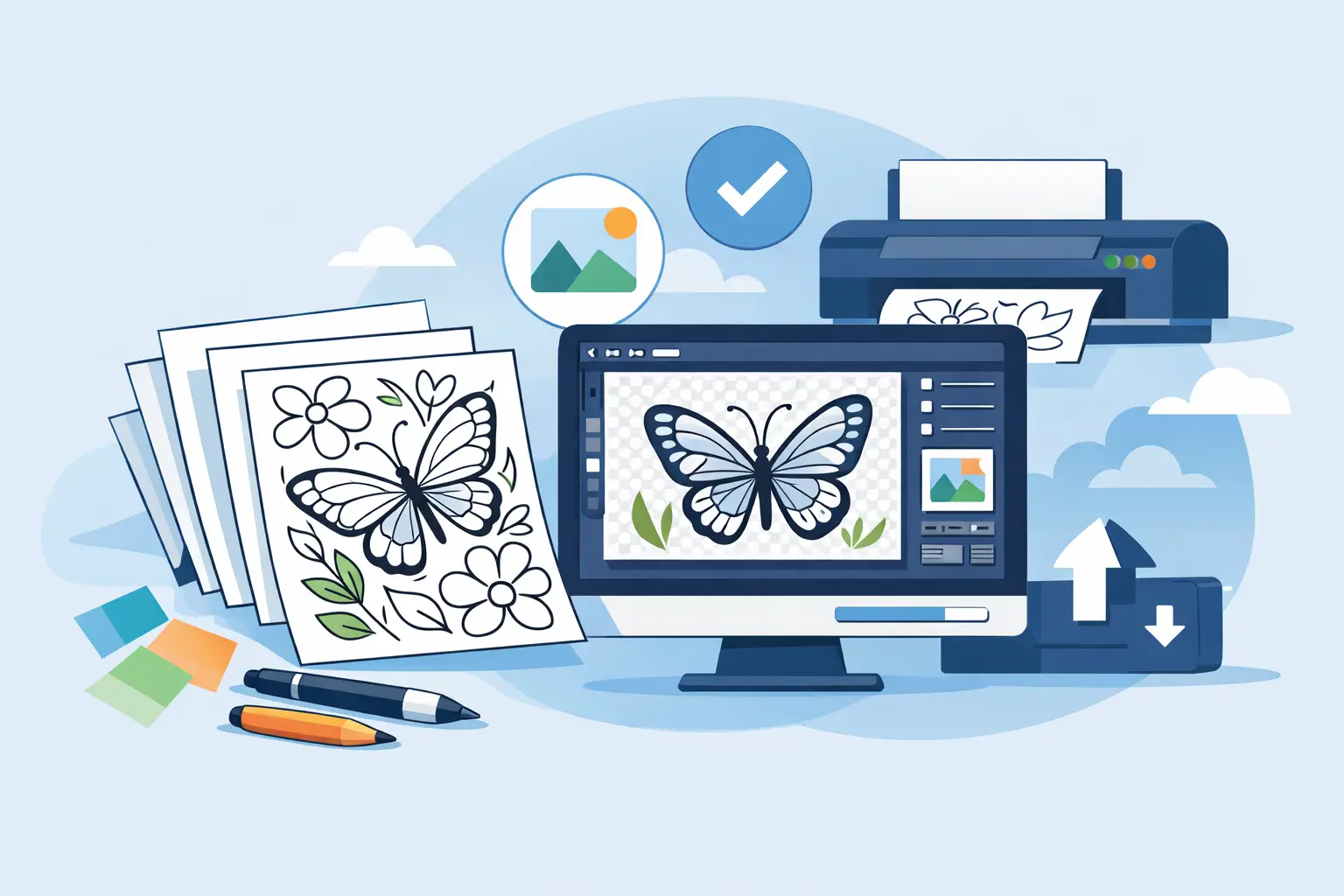
300 DPI Coloring Book Export Done Right
You usually notice a bad export too late - after the proof arrives with fuzzy line art, muddy grayscale, or pages that look softer in print than they did on your screen. That is why 300 dpi coloring book export matters. If you plan to sell on Amazon KDP, Etsy, Gumroad, or any print-focused marketplace, export quality is not a technical footnote. It is the difference between a product that looks publishable and one that looks homemade.
For self-publishers, DPI is not just about image sharpness. It affects customer trust, review quality, and how much time you waste fixing files that should have been right the first time. A strong idea can still lose money if the interior looks weak in print.
What 300 DPI coloring book export actually means
DPI stands for dots per inch, and in practical terms it tells the printer how much image detail is packed into each inch of the page. A 300 DPI coloring book export gives you the resolution most print platforms expect for clean black lines, readable numbers, and crisp page elements.
That matters even more in color-by-number interiors because these books include more than simple outlines. You may have numbered cells, palette guides, answer pages, headers, page numbers, and front matter. If your export is too low, the page can still look acceptable on a laptop while falling apart on paper.
This is where many creators get tripped up. They assume a file that looks large is automatically print-ready. It is not. A big PDF with low-resolution source images is still low quality. Print platforms care about effective resolution, not just file size.
Why 300 DPI is the practical standard for print books
There is a reason serious publishers default to 300 DPI. It gives enough detail for sharp reproduction without creating oversized files that become annoying to upload, process, or preview.
At 72 DPI, line work often looks jagged or soft. At 150 DPI, some simple interiors may pass, but fine details start to suffer fast. Thin outlines, small numbers, and mosaic patterns are the first things to show problems. At 300 DPI, those same elements hold their structure much better.
Could you export higher than 300 DPI? Sometimes, yes. But for most KDP interiors, that extra resolution does not create a visible improvement that justifies the larger files and slower workflow. This is one of those cases where more is not automatically better. 300 DPI is the sweet spot because it balances print quality with production efficiency.
Where creators lose quality before export
A clean 300 DPI coloring book export starts long before you click Save as PDF. Export settings matter, but they cannot rescue weak inputs.
The first common problem is poor source artwork. If the original image is small, compressed, or noisy, exporting at 300 DPI will not magically invent detail. You will just get a high-resolution version of a bad image. That is why image preparation matters.
The second issue is workflow fragmentation. Many creators generate line art in one app, numbered grids in another, palette pages somewhere else, then assemble everything manually in a design tool. Every handoff creates another chance to scale something incorrectly, flatten text poorly, or introduce inconsistent margins.
The third problem is page assembly. A lot of interiors fail not because the art is wrong, but because the final PDF is. Wrong trim size, weak margins, inconsistent page positioning, and low-quality compression can all damage the final result. A strong export process has to cover the full book, not just the individual page image.
300 DPI coloring book export for KDP and other marketplaces
If your goal is Amazon KDP, your export needs to do more than look nice. It needs to survive upload, preview, and print production without surprises.
That means your interior should match the final trim size from the start. Letter size, 8.5 x 11, 8 x 10, and other popular formats all require different pixel dimensions at 300 DPI. If you design loosely and resize later, you increase the risk of soft edges and layout shifts.
You also need consistency across the book. A single sharp page does not help if the next ten pages were scaled from lower-resolution assets. This is especially relevant for creators building books from batches of images. Consistency is what separates a product line from a one-off experiment.
Outside KDP, the same principle holds. Etsy buyers printing at home still notice fuzzy pages. Gumroad and Creative Fabrica customers expect clean digital files. Teachers Pay Teachers users need worksheets and activity pages that reproduce clearly. The export standard may start with print, but the business benefit carries across marketplaces.
A better workflow than manual assembly
If you are still building coloring books by exporting isolated assets and stitching them together page by page, you are paying for low efficiency twice. First in time, then in mistakes.
A better production model is to treat the book as a system. The source image becomes line art, numbered puzzle, palette, answer key, and final interior pages in one controlled workflow. That is how you preserve quality across the full product.
This is where purpose-built software has an edge. A tool like Color By Number Pro is not just converting images. It is generating a finished, print-ready publishing asset. That distinction matters because the final export is only as reliable as the process that created it.
When your workflow handles batch processing, page layout, numbering logic, margins, front matter, and PDF generation in one place, 300 DPI becomes a dependable output standard instead of a manual setting you hope you applied correctly.
How to get 300 DPI coloring book export right every time
Start by choosing the final trim size before you create anything. Build for the destination, not for a vague idea of a page that will be resized later. This keeps your dimensions, margins, and visual balance consistent from page one.
Next, use source images that can hold detail after conversion. Some photos turn into clean numbered pages beautifully. Others become muddy and overcrowded. If an image has weak contrast or too much fine texture, the export may technically be 300 DPI while the page still looks messy. Resolution does not fix bad page design.
Then keep your line weight and numbering readable. This is one of the biggest trade-offs in color-by-number production. More detail can make a page feel richer, but too much detail creates tiny cells and harder-to-read numbers. A page can be sharp at 300 DPI and still be frustrating for the customer if the structure is too dense.
Finally, export the entire interior as a print-ready PDF with consistent settings. That includes page size, margin safety, page order, and compression that does not degrade the artwork. The goal is not just a technically correct file. The goal is a file you can upload with confidence.
The business case for getting export quality right
A lot of creators think of export settings as production trivia. That is a mistake. 300 DPI coloring book export affects revenue because it affects how fast you launch, how professional your sample pages look, and how likely customers are to buy again.
If your workflow is slow, you publish fewer books. If your print quality is inconsistent, you risk bad reviews and weak conversion. If every book requires manual cleanup, your profit margin shrinks because your labor keeps rising.
The creators who win in low-content and activity publishing are not always the best artists. They are often the most operationally disciplined. They choose tools and processes that let them produce fast, stay consistent, and protect print quality at scale.
That is the real value of treating export as part of publishing, not as an afterthought. A clean interior is easier to sell. A repeatable workflow is easier to grow.
If you want to build a catalog instead of just finishing one book, set your process so 300 DPI is the default outcome, not the last thing you remember to check. Your future launches will move faster, and your printed pages will prove it.
Skip the manual workflow
Color By Number Pro Premium turns any image into a KDP-ready interior PDF in one click. 410 images per session, 5 cell shapes, full commercial license. $97 Founders Launch — first 500 customers only.
Get Premium — $97 →