 Color By Number Pro
Real talk: making a color-by-number book the old way sucks.
If you've ever tried to publish a color-by-number book on Amazon KDP, you already know the pain. You sit in front of Photoshop or Illustrator, posterize the image, manually overlay a grid, hand-place hundreds of numbers in tiny cells, build a palette legend, repeat for the next page. An entire afternoon — for one page.
I tried it. I spent 40 hours building one 30-page coloring book. By the end I never wanted to look at a numbered grid again. And I still hadn't formatted it for KDP. I almost gave up.
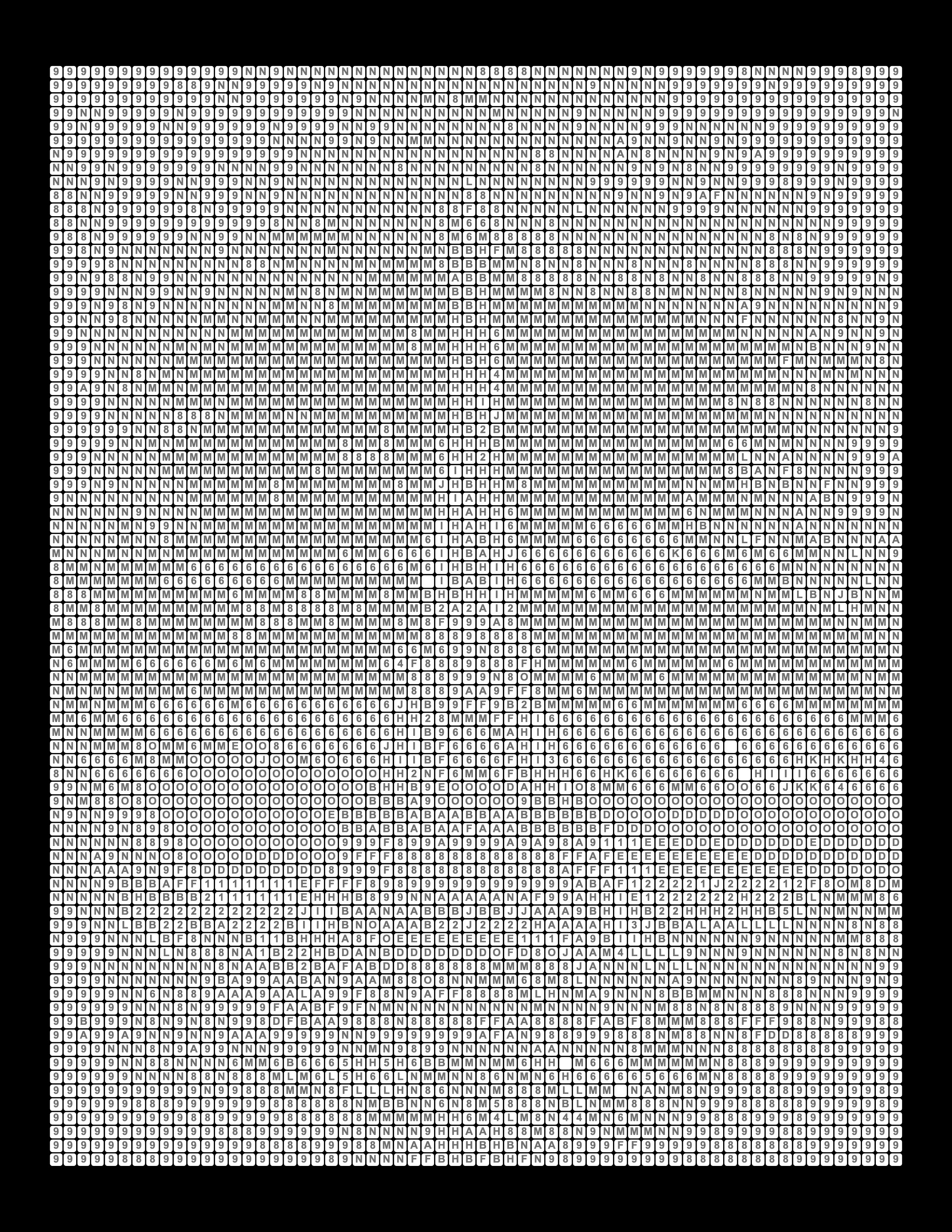
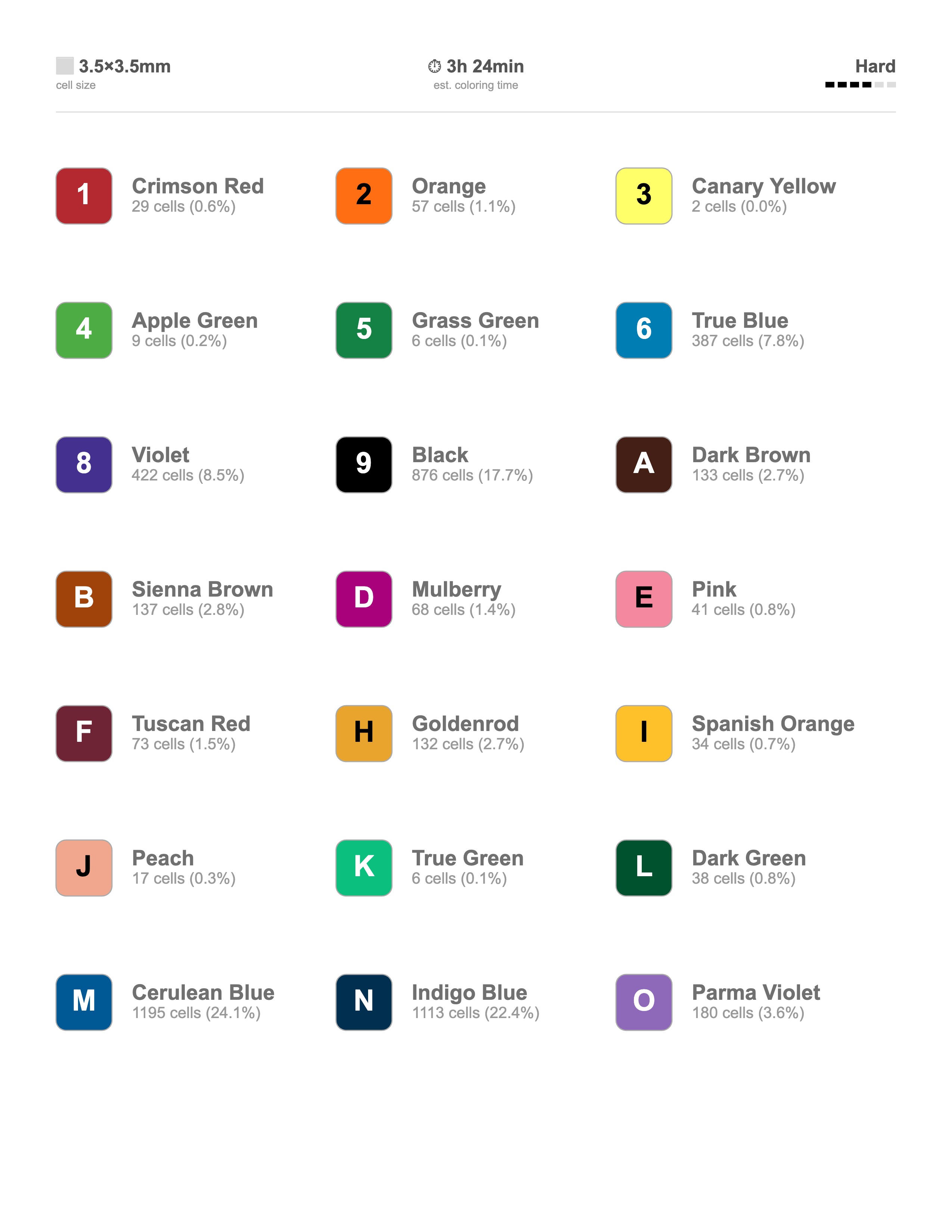
That's why I built Color By Number Pro. Upload an image, click "Generate," and you get a 300 DPI print-ready color-by-number page in under 2 minutes — number grid, color legend, and answer key all done. Then you click again to get the next one.
Today I publish a complete coloring book in a single weekend instead of a month. The tool you're looking at right now is the same one I use for every book I sell on Amazon.
— Prasad, Creator of Color By Number Pro